

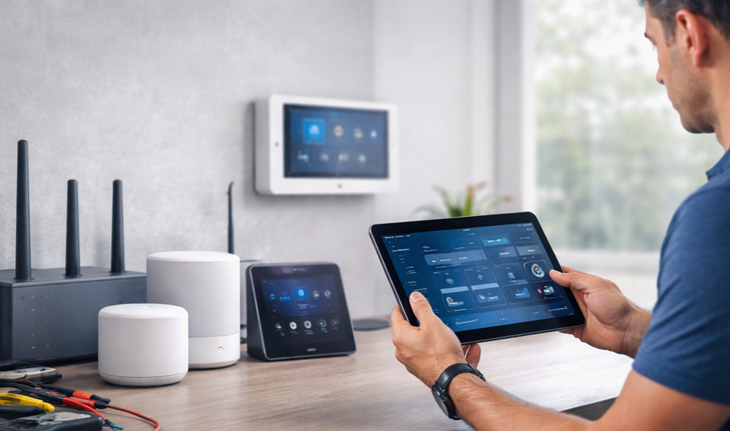
ENHANCEMENT & TROUBLESHOOTING
Expert troubleshooting, optimization, and refinement of your existing smart home, Wi-Fi, and connected devices — designed to fix issues, improve reliability, and make your technology work the way it should.
What to Expect
A structured, professional troubleshooting and enhancement experience — focused on identifying root causes, applying targeted fixes, and validating performance so your systems operate reliably and predictably.
1
Clear Scope Before Work Starts
We confirm the issue or goal and set clean expectations before making changes
2
Targeted Troubleshooting and Optimization
We diagnose the root cause, apply configuration changes, updates, or refinements, and address performance, connectivity, or reliability issues without unnecessary changes.
3
Validation and Next-Step Guidance
We test results together and provide guidance on usage or next steps

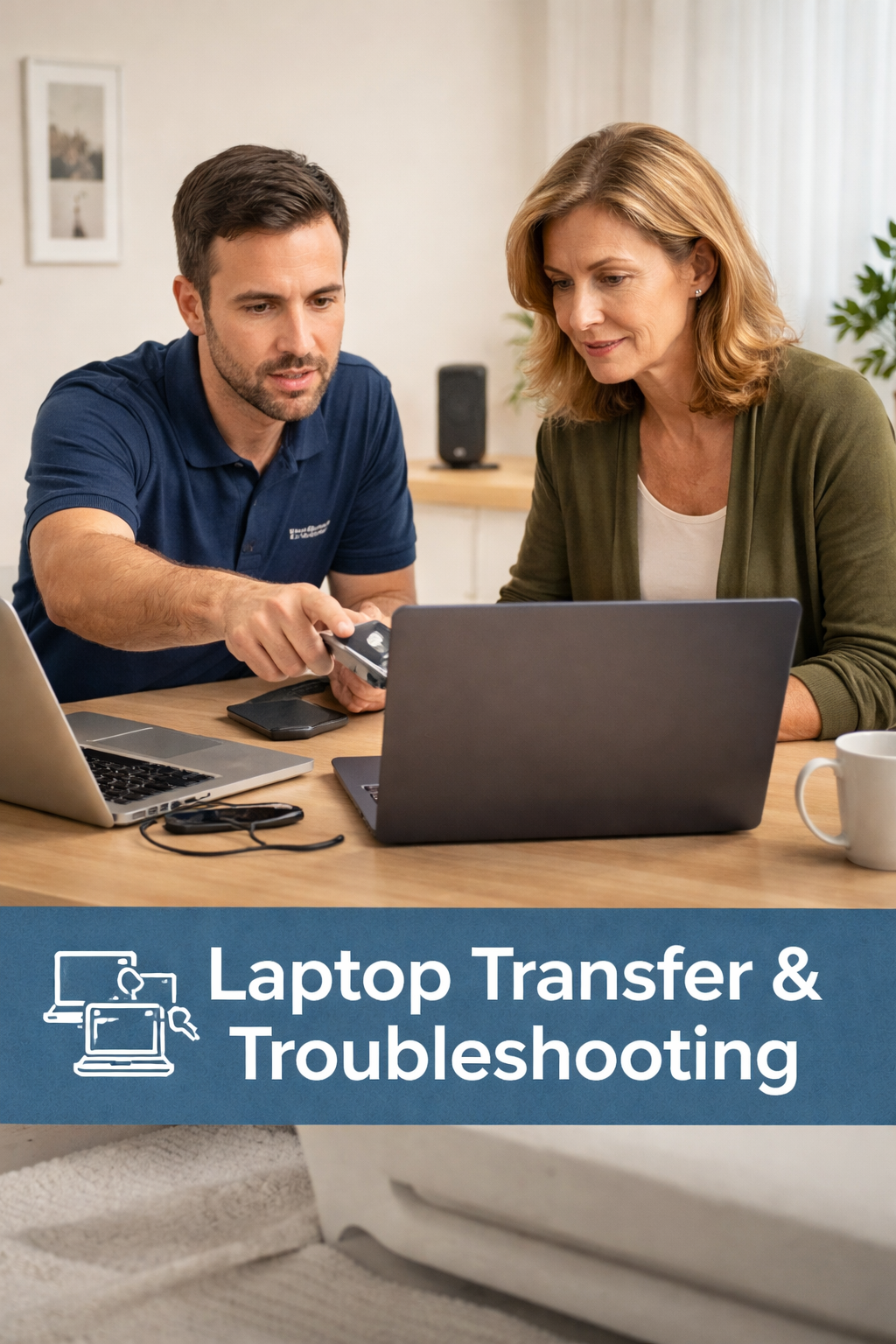
Laptop Transfer & Troubleshooting
Setup, migration, and troubleshooting of laptops including data transfer, account setup, connectivity issues, and performance stabilization for a smooth transition.
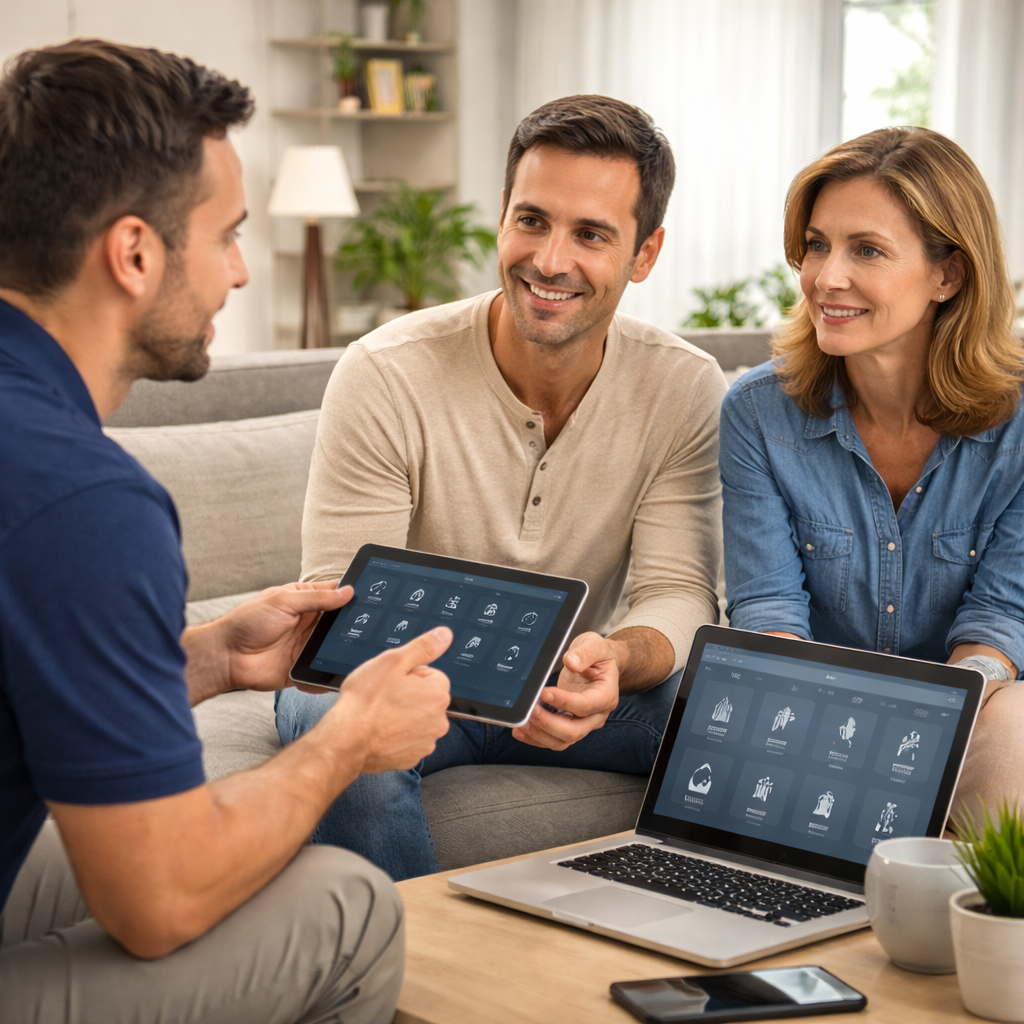
Training Session
Personalized technology training covering devices, apps, smart home systems, or workflows—focused on helping you confidently use and manage your technology.
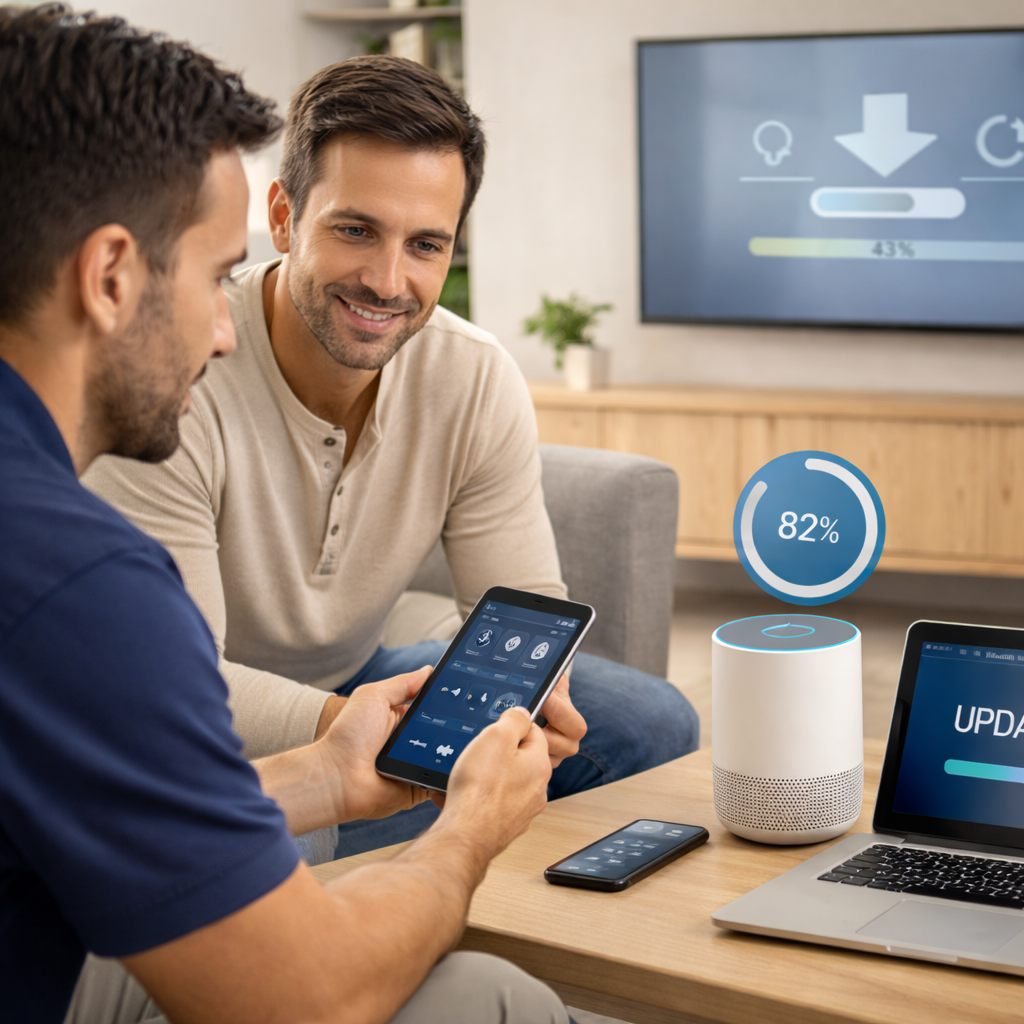
Firmware & App Updates
Review and update device firmware and companion apps to improve performance, security, compatibility, and overall system reliability.
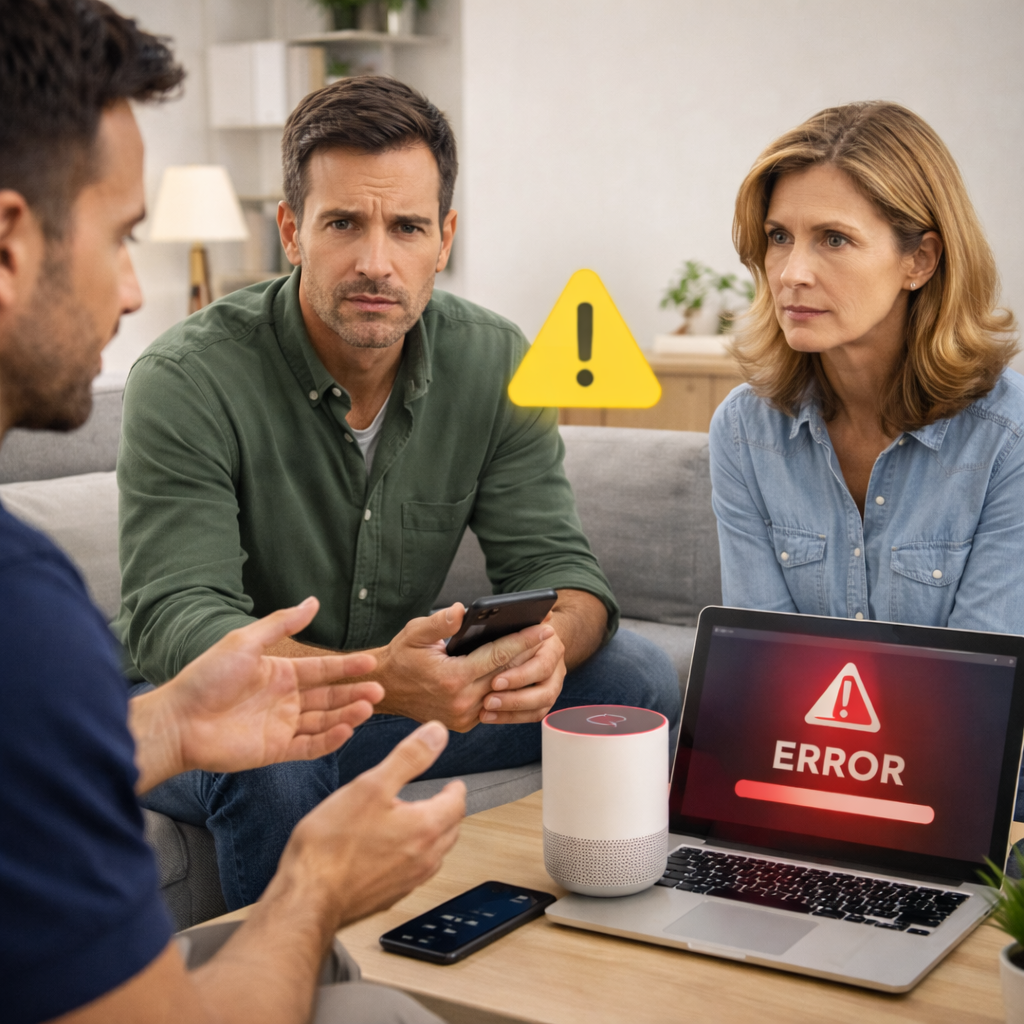
On-Demand Troubleshooting
Targeted troubleshooting for devices or systems that aren’t working correctly, including diagnostics, issue isolation, and immediate corrective action.
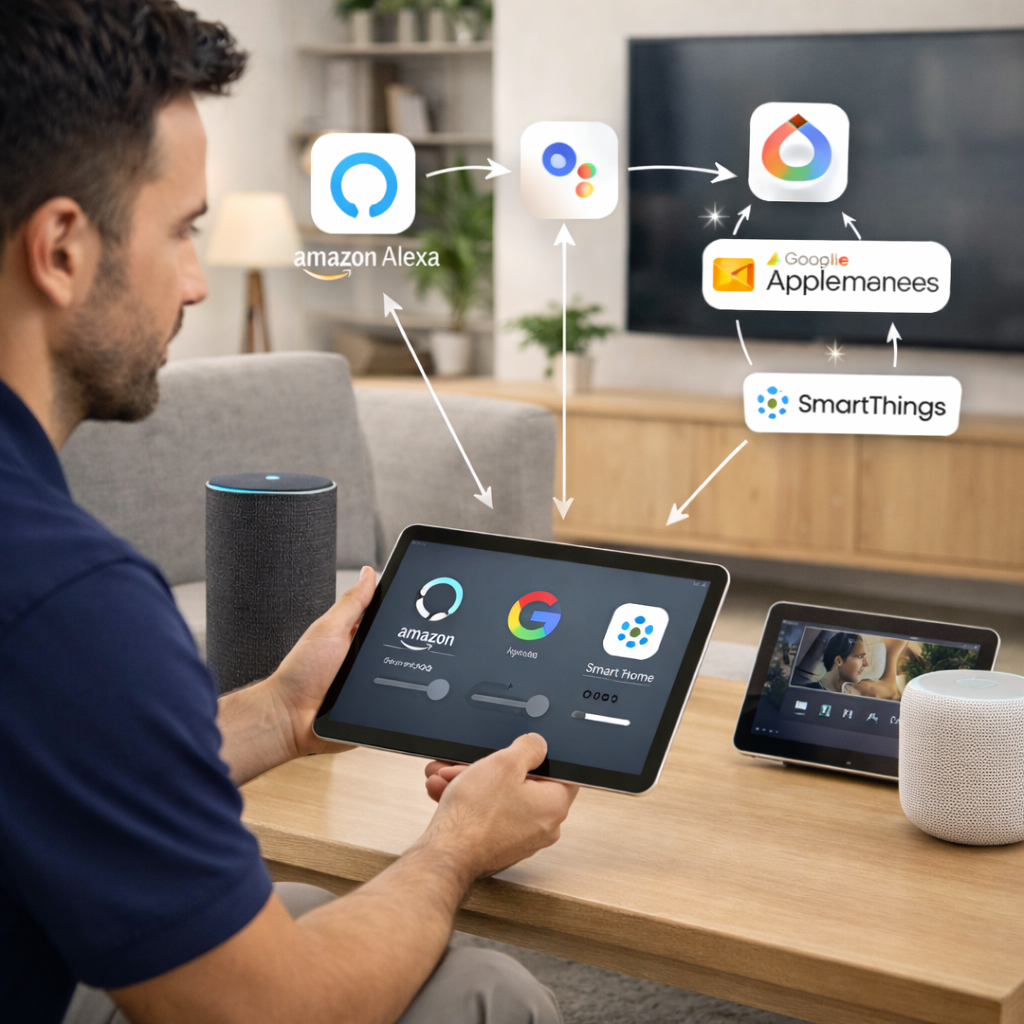
Cross-Platform Integration
Connect and synchronize devices across platforms such as Apple, Google, Alexa, and third-party apps to ensure seamless control and interoperability.
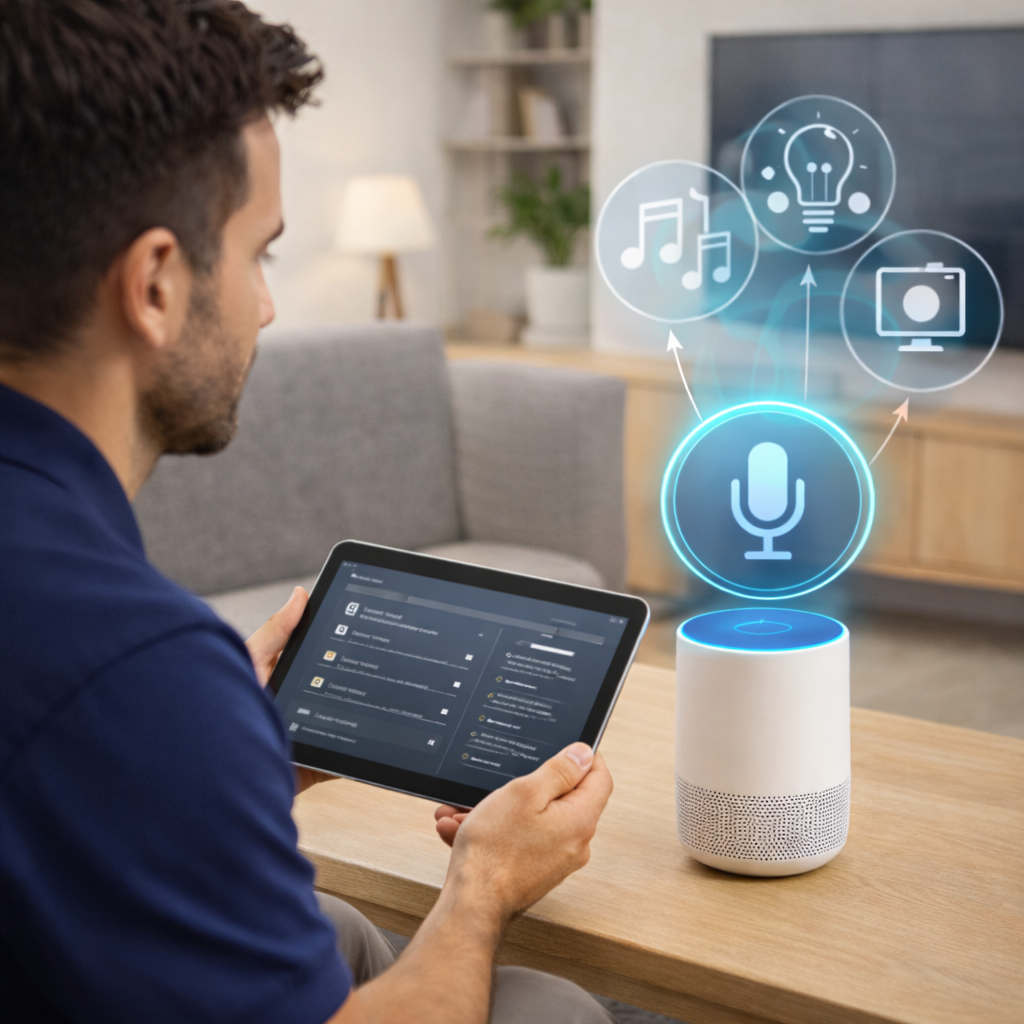
Voice Assistant Optimization
Improve voice assistant accuracy, responsiveness, and routines through device tuning, command refinement, and automation optimization.
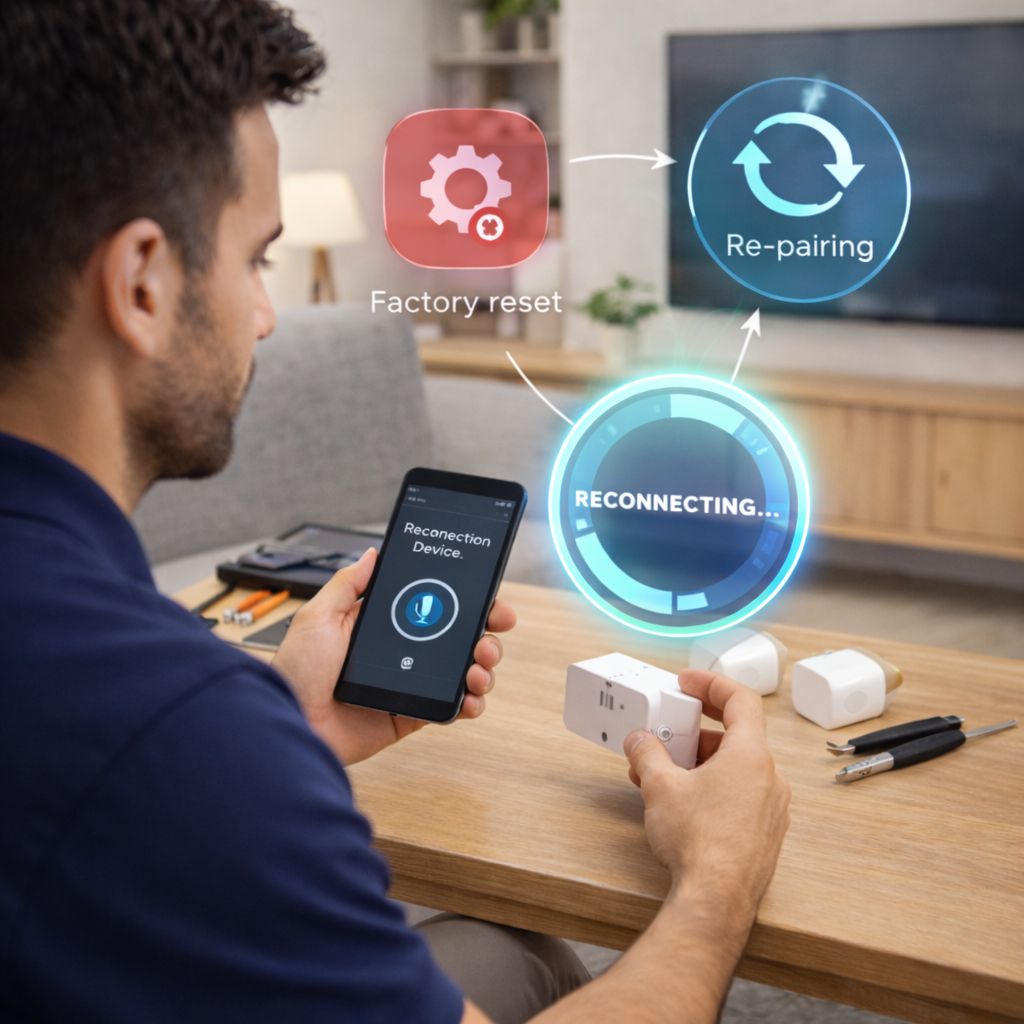
Device Reset & Reconfiguration
Reset and reconfigure malfunctioning or misconfigured devices, restoring proper operation while preserving or rebuilding key settings.
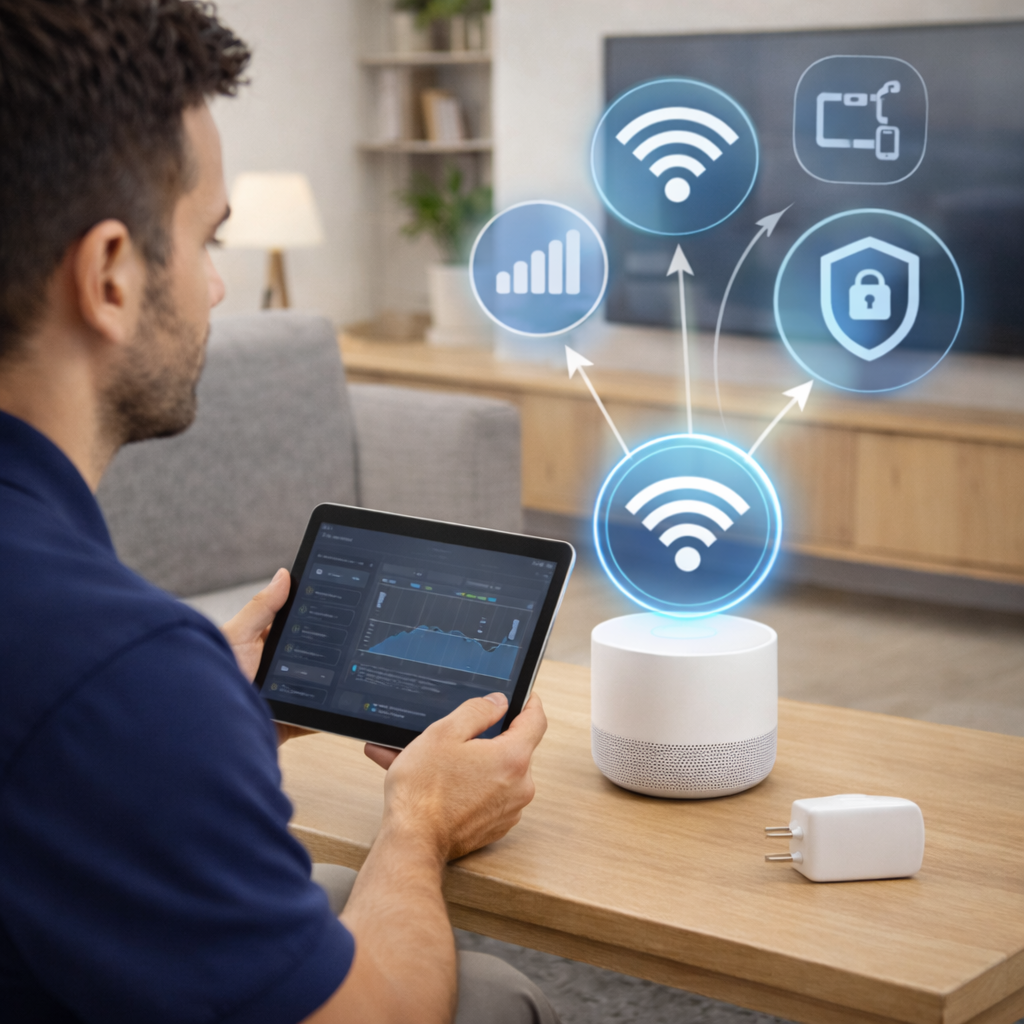
Wi-Fi & Network Optimization
Analyze and optimize Wi-Fi performance through placement, configuration, and network tuning to improve coverage, speed, and reliability.
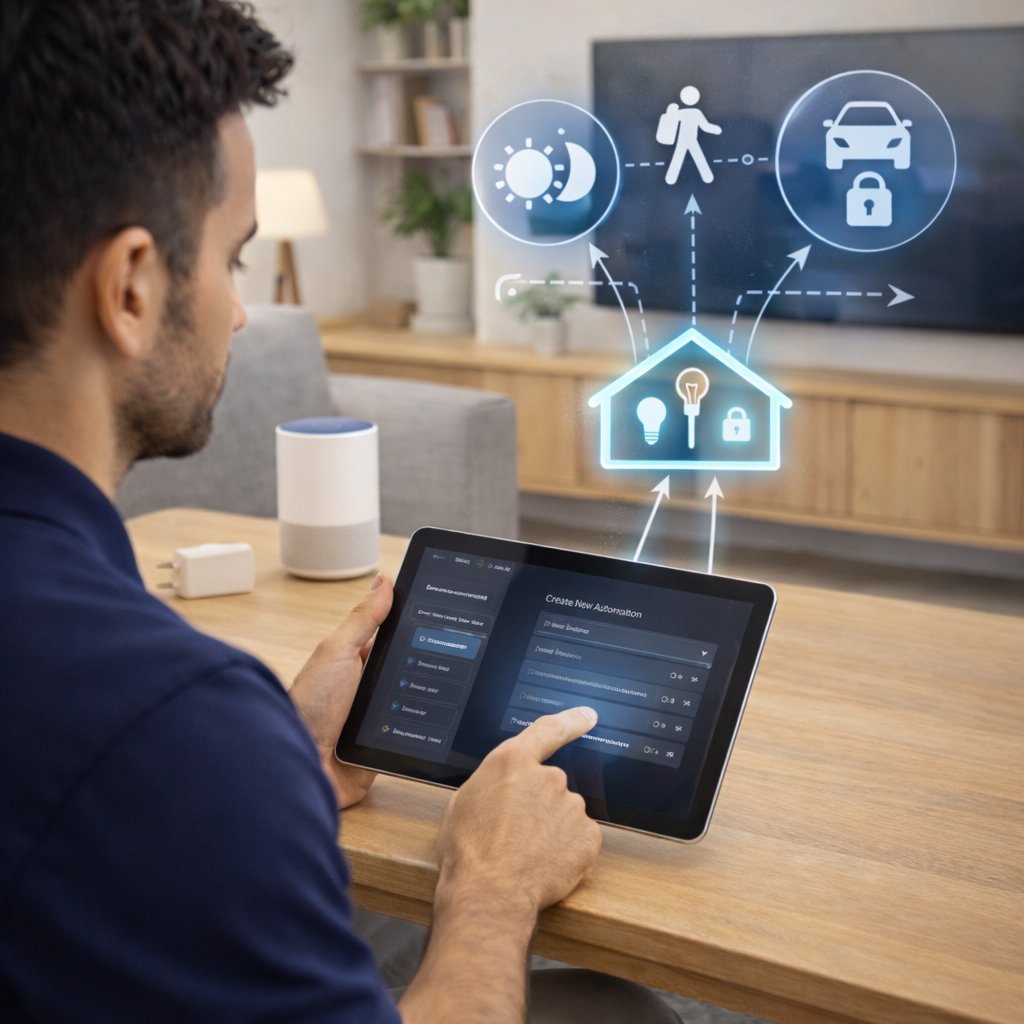
Automation Programming
Design, refine, or troubleshoot smart home automations and scenes to ensure reliable triggers, consistent behavior, and real-world usability.
Not sure which service you need?
Describe what you’re trying to install or improve.
I’ll help guide you before any work begins.